YouTube publishing, fully automated
Schedule long form videos and Shorts with custom thumbnails, tags, and automated first comments from one place.
Connect YouTube
What the YouTube integration automates for you
Every technical detail of your video uploads handled automatically once connected.


One upload, six platforms, this video goes out everywhere at once.
@uplonicSubscribe


Long form videos and Shorts in one hub
The same media library handles landscape videos and 9:16 Shorts without creating separate workflows.
Title, description, and tags prepared in advance
Metadata stays attached to each video, ensuring your scheduled publish delivers the exact copy you approved.
Custom thumbnail attached automatically
Your custom cover image goes live with the video, eliminating extra trips into YouTube Studio.
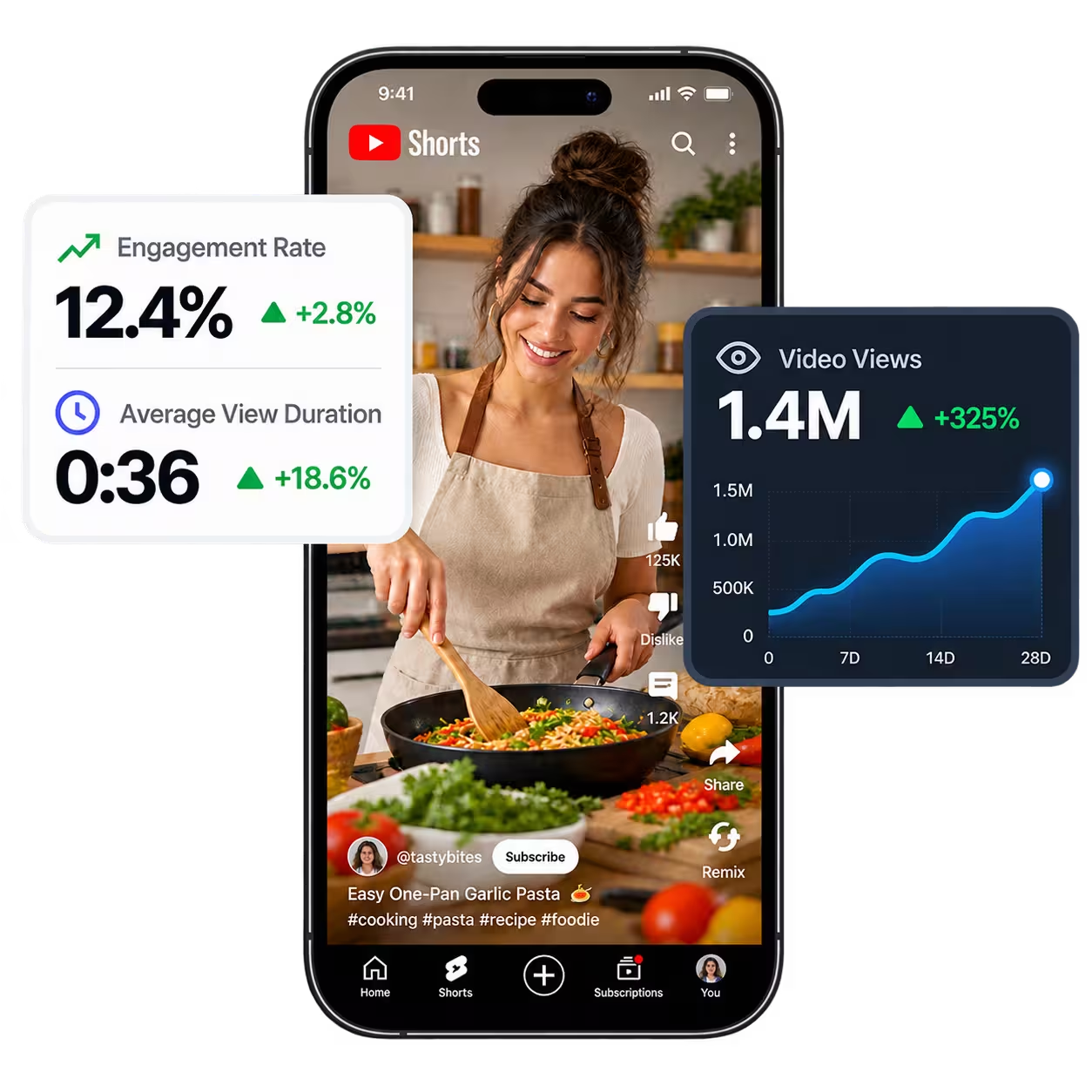
Daily views and subscriber growth
View counts and subscriber numbers update daily alongside your other channels on a single screen.
What works behind the connection
Scheduling, cross platform publishing, and analytics running behind every single post.
Publish
Upload once, customize your copy per platform, and schedule to every social network from one clean visual calendar.

Comment Inbox
Read and reply to comments on your YouTube, Facebook, Instagram, and Threads posts from one place, with saved templates and automated first comments.
Analytics
Track your content performance on a single clear interface. Views, interactions, and follower growth without switching between apps.
The other networks you run from the same screen



Free tools for this network
YouTube earnings calculator
Long videos and Shorts, by viewer country and niche, with YouTube's official 55% / 45% shares and US tax withholding.
YouTube chapter generator & checker
Turn a list of timestamps into YouTube chapters and check the three rules YouTube needs before it shows them.
YouTube thumbnail preview
See your thumbnail and title next to other videos in a home, search, mobile and up-next layout before you publish.
YouTube FAQ
Everything you need to know about connecting and publishing to your YouTube channel.