Pinterest Pin publishing automated
Schedule video and image Pins to your designated boards with destination links for continuous website traffic.
Connect Pinterest
Why automate your Pinterest Pins?
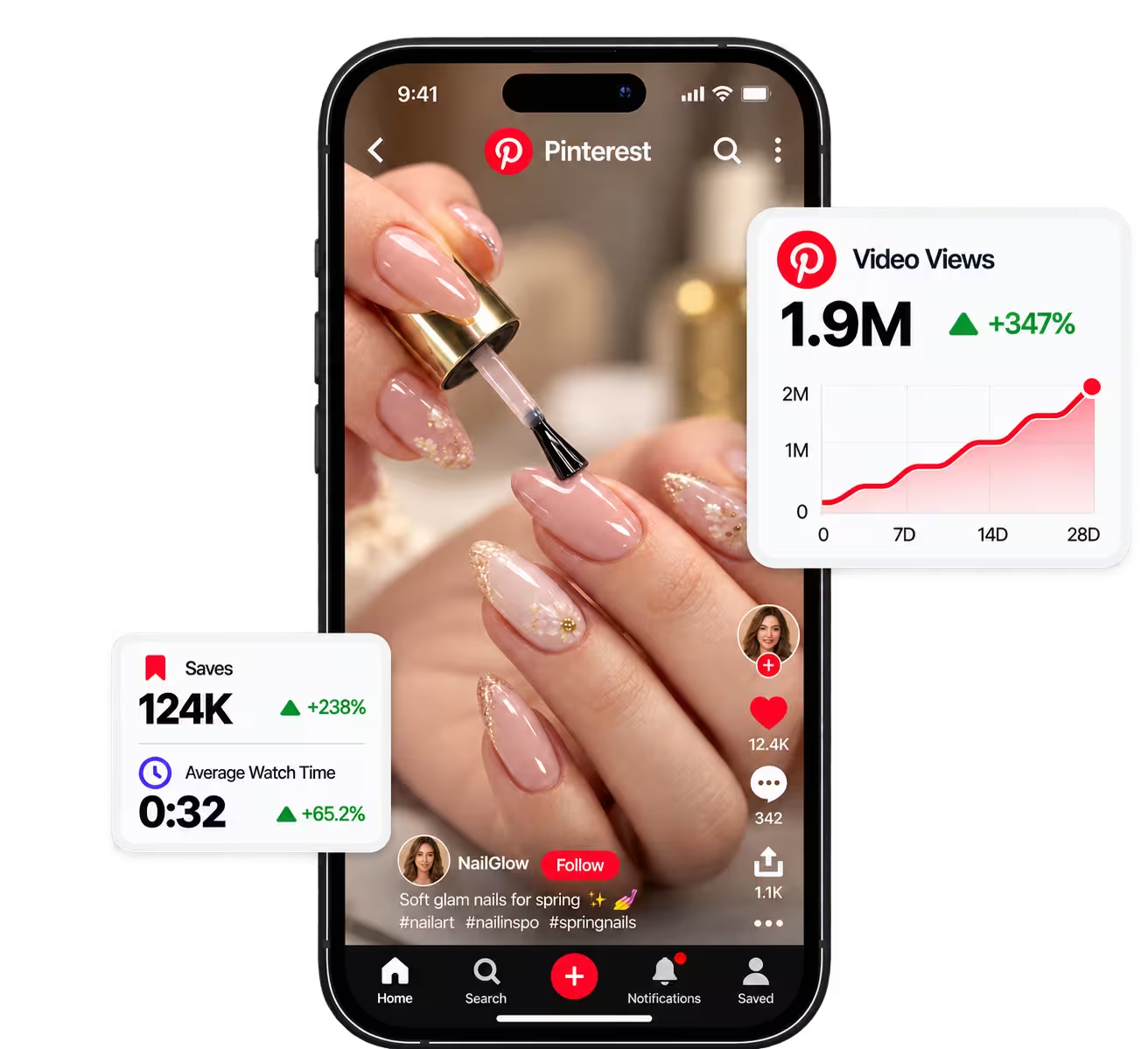
Pinterest content drives organic search traffic for months when delivered at a steady cadence.

One upload, six platforms, this video goes out everywhere at once.


Targeted to the exact board
Select the target board during upload, and your pins land in the right collection without manual sorting.
Video Pins from existing clips
The vertical clips you already made for TikTok or Reels keep driving search results on Pinterest.
Consistent publishing cadence
Scheduled publishing provides the regular pace that search algorithms favor over sporadic bursts.
Long tail referral traffic
Pins keep generating clicks months after publishing, directing motivated shoppers straight to your website.
What works behind the connection
Scheduling, cross platform publishing, and analytics running behind every single post.
Publish
Upload once, customize your copy per platform, and schedule to every social network from one clean visual calendar.

Link in Bio
Create a unique Link in Bio page that showcases the important links of your online presence in one place. Customizable, fast, and optimized for conversions.
Analytics
Track your content performance on a single clear interface. Views, interactions, and follower growth without switching between apps.
The other networks you run from the same screen



Free tools for this network
Caption preview
Write once and see the exact caption each platform gets, hashtag limits, character caps and YouTube's byte limit applied.
Character counter
Count characters for X, Threads, Instagram, TikTok, LinkedIn and YouTube, the way each platform counts them.
Social media image resizer
One photo, every size: Instagram, Stories, YouTube thumbnail and banner, Pinterest and more, cropped in your browser.
Pinterest FAQ
Common questions about scheduling Pins and managing Pinterest boards.