LinkedIn professional presence automated
Schedule videos and posts to personal profiles and company pages, perfectly timed for working hours.
Connect LinkedIn
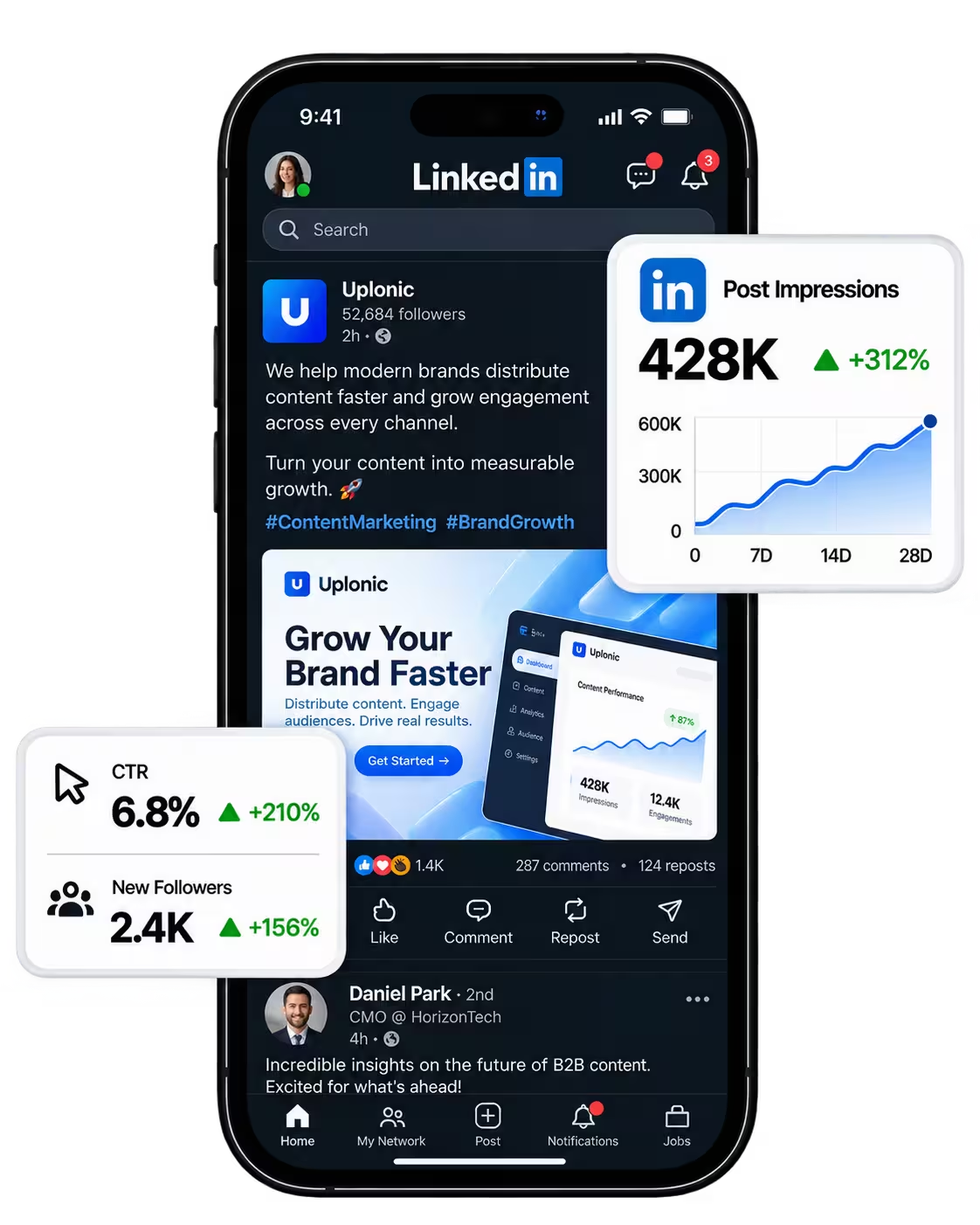
What the LinkedIn integration solves
Reach decision makers consistently with structured professional content without daily scramble.
 uplonicFollow
One upload, six platforms, this video goes out everywhere at once.



Personal profile or company page
Publish the same video to your personal profile or company brand page, handled as independent channels.
Timed for business hours
LinkedIn thrives during weekday business hours. Set your schedule once and let posts publish when buyers are online.
Dedicated professional copy
Craft thoughtful copy specifically for business peers, separate from your consumer social captions.
Consistency during busy weeks
A pre populated content queue maintains your momentum even during demanding sprint periods.
What works behind the connection
Scheduling, cross platform publishing, and analytics running behind every single post.
Publish
Upload once, customize your copy per platform, and schedule to every social network from one clean visual calendar.

Analytics
Track your content performance on a single clear interface. Views, interactions, and follower growth without switching between apps.
Media Library
Upload once, organize videos with custom tags and status filters, and share for client approval with no registration required.
The other networks you run from the same screen



Free tools for this network
LinkedIn headline generator
Build an editable headline from your specialty, audience and value proposition using local templates.
LinkedIn text formatter
Bold, italic and bullet points for LinkedIn posts, with a preview of where "…see more" cuts.
Character counter
Count characters for X, Threads, Instagram, TikTok, LinkedIn and YouTube, the way each platform counts them.
LinkedIn FAQ
Everything about publishing to personal profiles and company pages on LinkedIn.