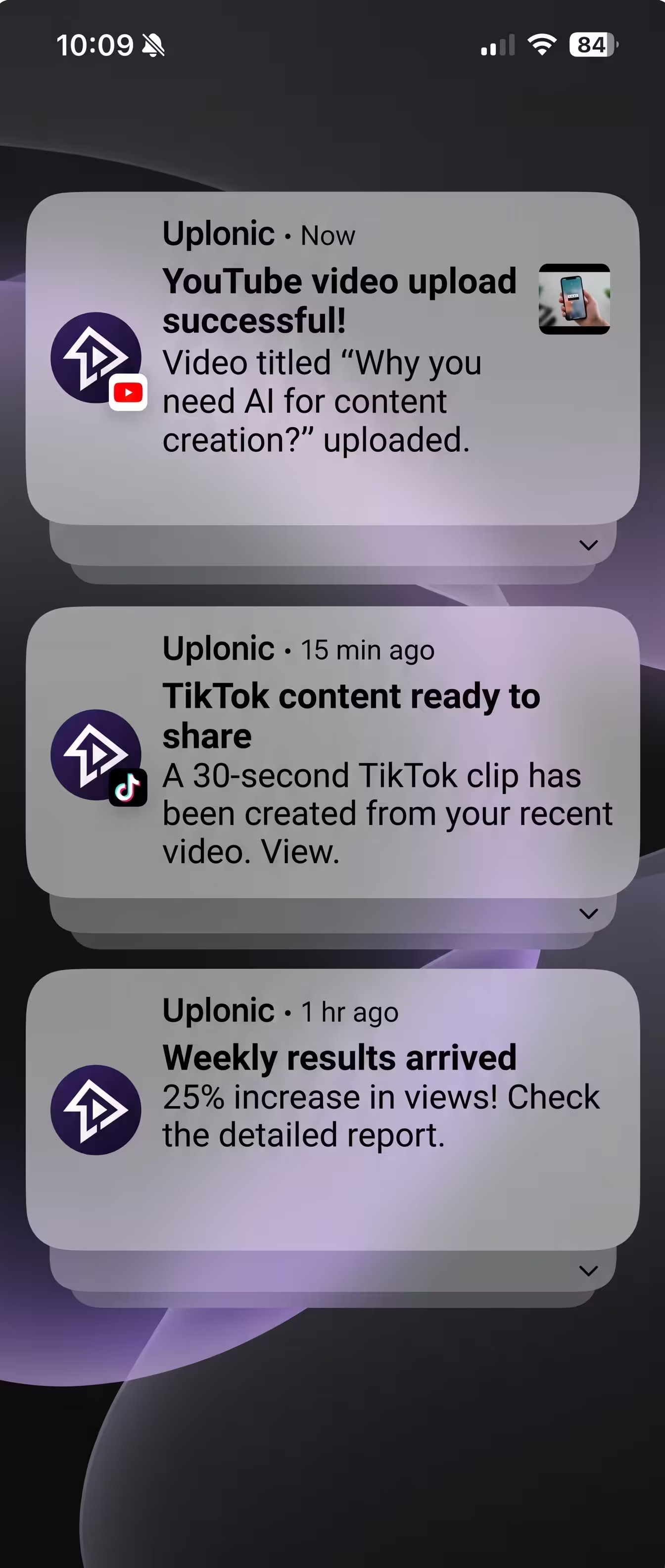
Instagram Reels publishing automated
Schedule Reels directly to your grid with custom cover images, hashtags, and automated first comments.
Connect Instagram
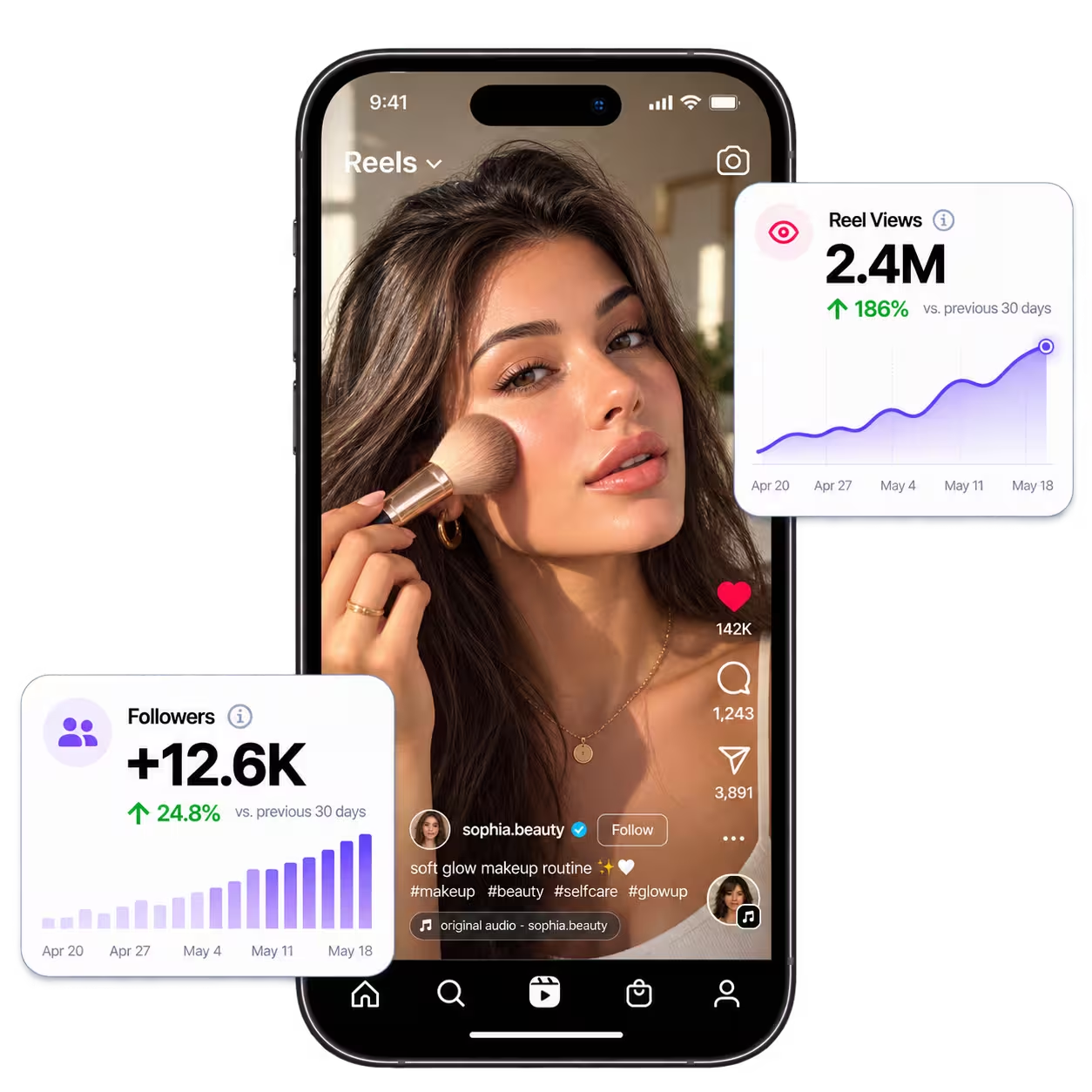
What the Instagram integration handles
Direct publishing through official Meta APIs without clumsy phone reminders.
 uplonic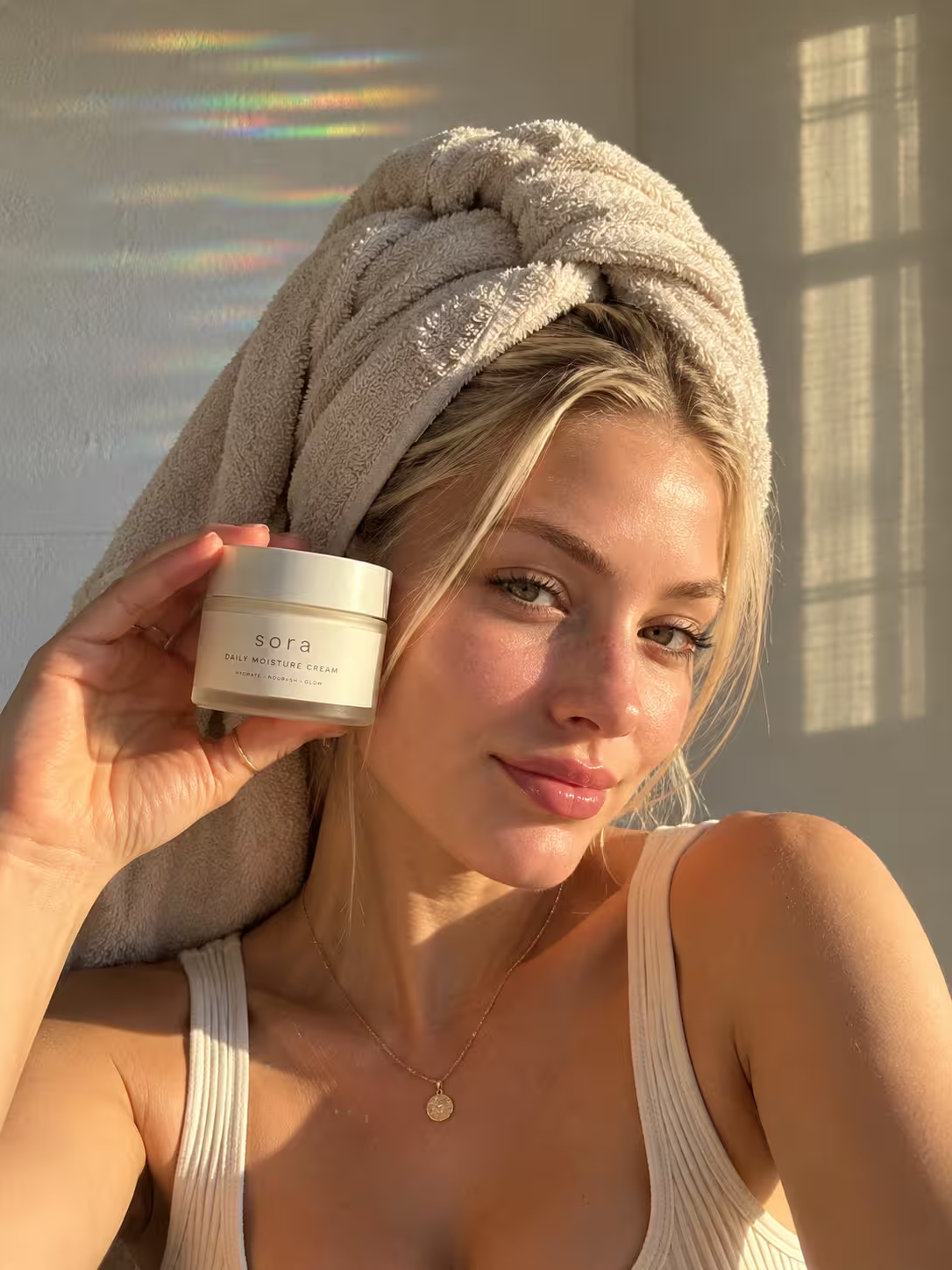
86.7K
uplonic One upload, six platforms, this video goes out everywhere at once.


Reels straight to your grid
Videos publish directly through official Meta APIs, without push notifications asking you to upload manually.
Custom cover image support
Your chosen cover image stays pinned to the Reel so a random first frame never spoils your profile grid.
Captions and hashtags in one place
Compose copy in advance and let Uplonic adapt your hashtags to official platform limits.
Daily publishing limit protection
Uplonic tracks official Meta rate limits and schedules posts safely to prevent API rejections.
What works behind the connection
Scheduling, cross platform publishing, and analytics running behind every single post.
Publish
Upload once, customize your copy per platform, and schedule to every social network from one clean visual calendar.

Comment Inbox
Read and reply to comments on your YouTube, Facebook, Instagram, and Threads posts from one place, with saved templates and automated first comments.
Analytics
Track your content performance on a single clear interface. Views, interactions, and follower growth without switching between apps.
The other networks you run from the same screen



Free tools for this network
Instagram line break generator
Keep the paragraphs in your caption: trailing spaces removed, empty lines held with an invisible character.
Hashtag counter & cleaner
Count, de-duplicate and clean up hashtags, and see each platform's limit: Instagram 30, YouTube 60.
Safe zone checker
Drop a vertical video or thumbnail and see what TikTok, Reels and Shorts cover with their buttons and captions.
Instagram FAQ
Everything about connecting your profile and publishing Instagram Reels.