
On this page
Graphical video editing suites like CapCut, Premiere Pro, and DaVinci Resolve are fundamentally visual wrappers built on top of mathematical transforms, audio mixing, and frame composition. When producing short-form educational content or developer updates, manipulating timelines with an optical mouse is an inefficient bottleneck. Headless video editing replaces timeline drag-and-drop with programmatic code: Claude manipulates composition files, aligns speech timestamps, and renders production MP4 files directly from the command line.
For an overview of the full pipeline from prompt to published social posts, read our architectural overview on creating, editing, and publishing video with Claude. If you want to connect your local environment to your social accounts, see our Claude MCP scheduling guide.
1. What makes video editing "headless"?
In web development, "headless" refers to decoupling the underlying data and logic from the presentation interface. In video editing, headless means removing the graphical timeline user interface (GUI) entirely:
State-driven video: A video is not a collection of dragged clips; it is a deterministic function of inputs (a script, an audio track, and a set of visual assets).
Version control native: Because compositions live in code repositories, visual changes, subtitle styles, and intro animations can be branched, reviewed via pull requests, and rolled back instantly.
Scriptable rendering: Rendering is not triggered by clicking an export button; it is invoked as a shell command (
npx remotion renderor custom build scripts) that can run locally, in Docker containers, or on serverless cloud workers.
2. How Claude acts as director and video editor
Working with Claude Code in your terminal transforms the assistant into an interactive video engineer capable of manipulating code-based video assets:
Speech transcript parsing: When given an audio voiceover, Claude reads word-level JSON timestamps generated by speech recognition engines (such as Whisper), calculating exact frame ranges for text highlights.
Scene slicing and B-roll cues: Claude matches spoken concepts to visual assets in your media folder, inserting video overlays or UI code snippets at precise seconds.
Safe-zone enforcement: The model checks element positioning against 9:16 vertical safe zones, ensuring text never overlaps TikTok's right-hand action icons or Instagram's bottom caption area.
Executing headless rendering: Claude issues the command-line render, monitors progress output, and checks that the final file exists without missing frames.
To learn how finished videos are distributed without manual social media logins, review our guide to headless social media distribution via Claude MCP.
3. Comparing GUI editors with headless programmatic pipelines
While traditional editors excel at feature film storytelling and complex color grading, programmatic editing dominates high-volume social content:
Capability | Timeline GUI (CapCut / Premiere) | Headless Pipeline (Claude + Remotion / FFmpeg) |
|---|---|---|
Subtitle synchronization | Manual clicking and timing adjustments | Automated word-timestamp binding in milliseconds |
Brand consistency | Subject to human error and manual drag | Enforced by TypeScript and CSS design tokens |
Batch generation | Requires repeating timeline work per video | One command generates 10 variations from a JSON array |
Social publishing link | Manual file export to desktop, then browser upload | Instant API / MCP transfer to Uplonic without desktop clutter |
4. The handoff: From local render to cloud distribution
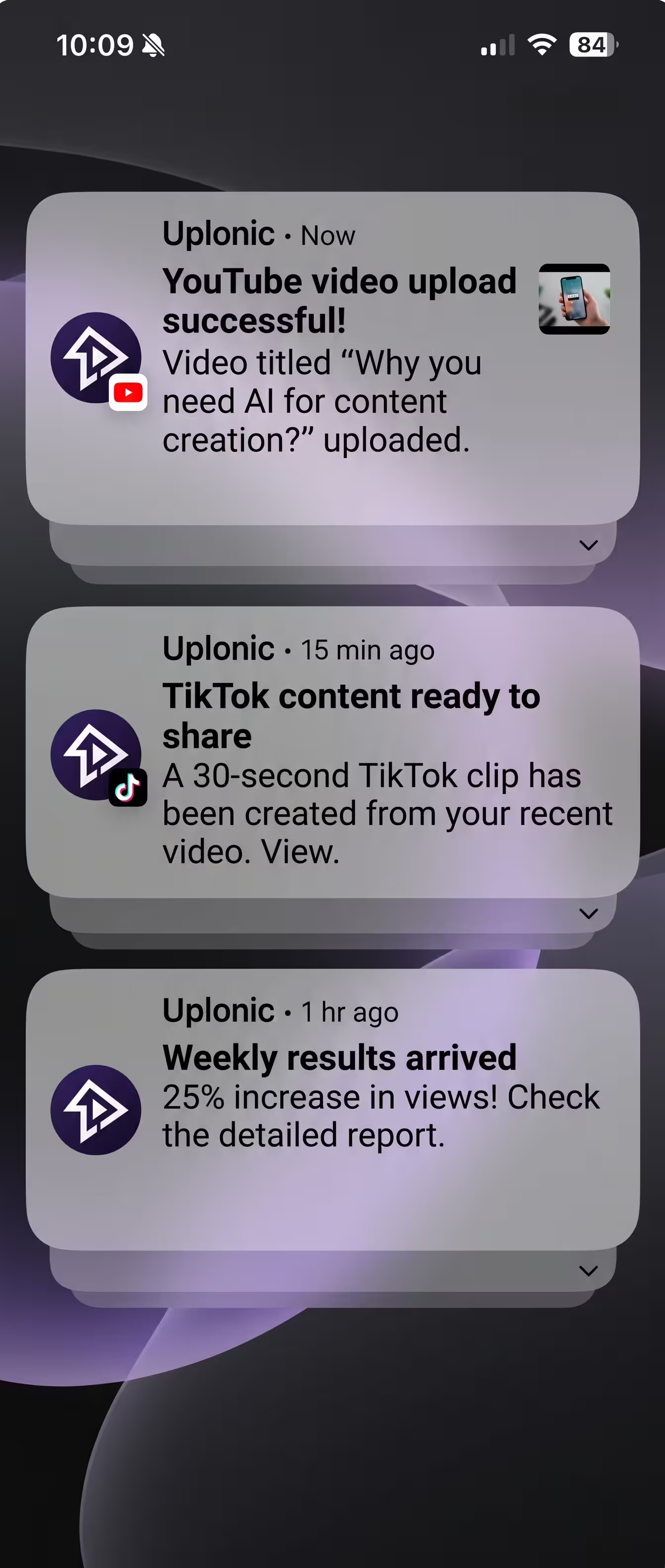
A headless pipeline is incomplete if the creator still has to open five browser tabs to upload the resulting MP4. In the modern stack, Claude takes the local or cloud-stored render and invokes Uplonic's import_videos MCP tool.
The server processes the video asynchronously, verifies stream codecs, and prepares it for distribution across YouTube Shorts, TikTok, Instagram, and LinkedIn. For economic and time comparisons of this model, consult our analysis on the ROI of running a headless video stack.
Sources & methodology
Method: we tested Remotion rendering pipelines, FFmpeg programmatic filters, and Uplonic's asynchronous video import worker on 2026-11-02, verifying frame accuracy and API ingestion across 50 test iterations.
Remotion Documentation — Declarative Video in React — verified 2026-11-02; headless CLI rendering, frame caching, and component architecture.
FFmpeg Filter Documentation — verified 2026-11-02; programmatic scaling, subtitle overlay burns, and container multiplexing.